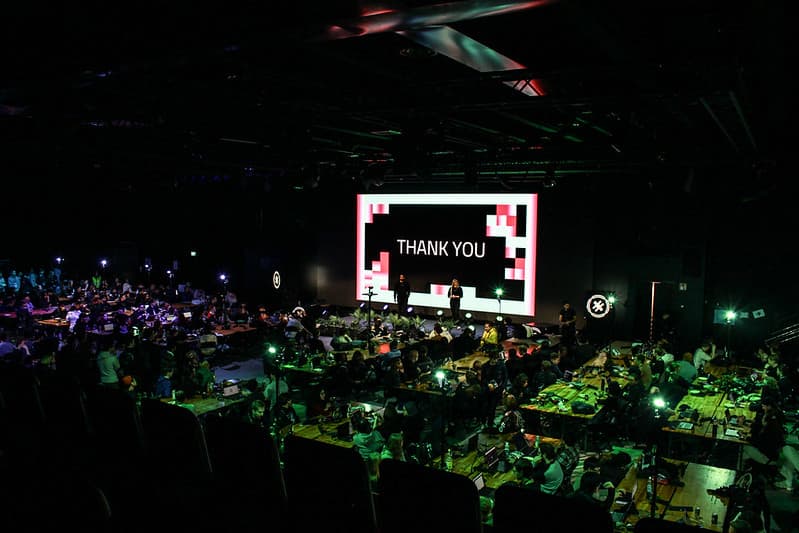
How to run a hackathon with Junction Platform
Running a hackathon sounds complex and time-consuming, but it really doesn't have to be. Most of the work is logistics: applications, communications, team formation, judging. Junction Platform handles all of that, so you can focus on the most important part: the problems you want solved.
Here's how it works in five steps.
1. Define your challenge
Before anything else, decide what problem you want tackled and how broad solutions you want the challenge to attract. Are you looking for a specific solution to a known problem, or do you want to see what people come up with when given room to think? This determines what gets built.
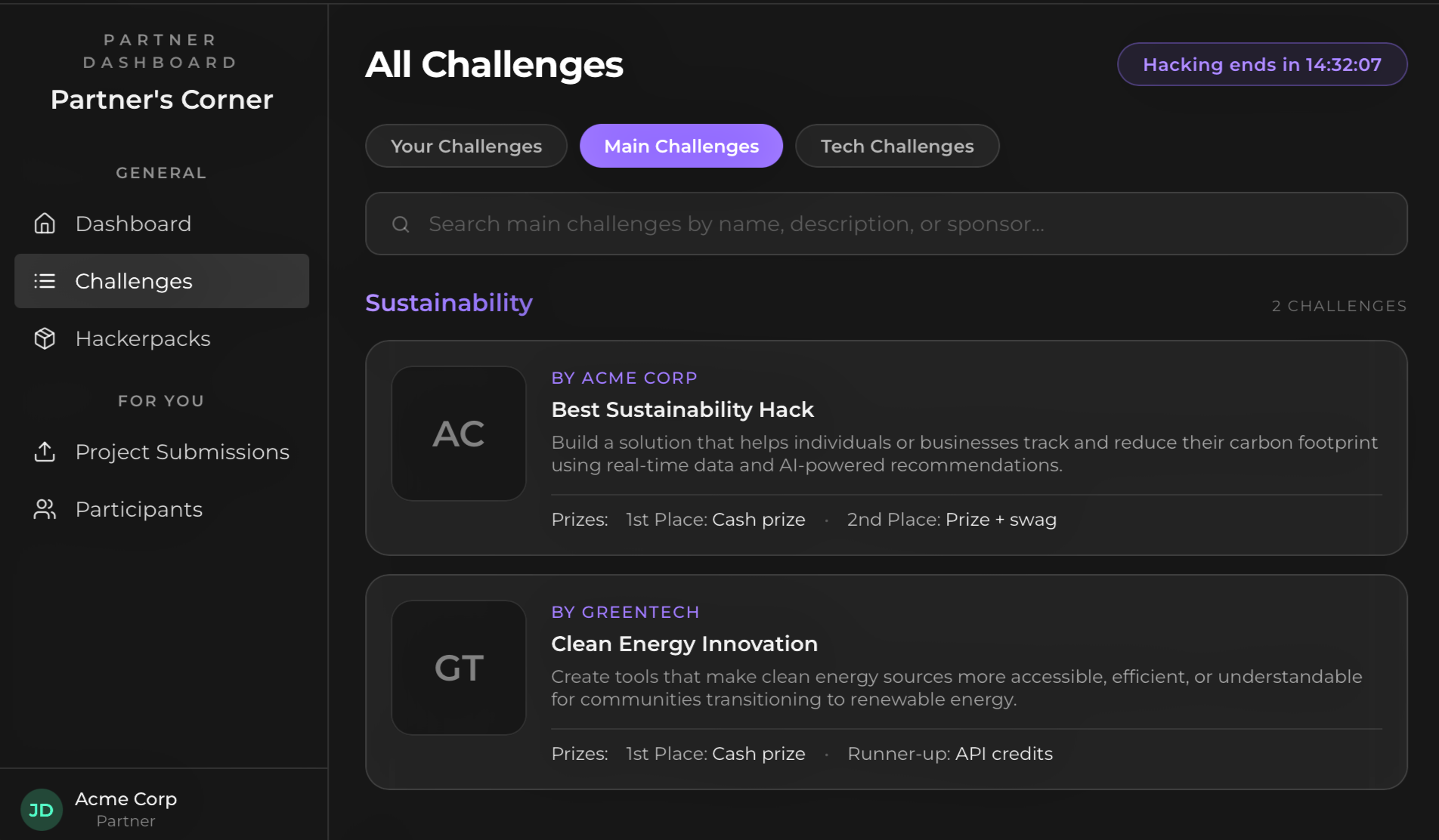
Each challenge has a dedicated page where you define the brief — the problem statement, the insight behind it, and what you're looking for from participants.
You also set the judging criteria and prizes directly on the challenge, so participants know exactly what they're being evaluated on.
2. Set up your event
Once you have your challenge, setting up the event takes minutes. You decide whether it's live, hybrid, or fully online, and whether it's internal (your own teams) or external (open to outside participants). From there you configure registrations, team formation, voting systems, and schedules directly in the platform.
3. Manage participants
Applications come in through the platform. You review them, accept participants, and send announcements to them all in one place. No separate tools, no scattered email threads.
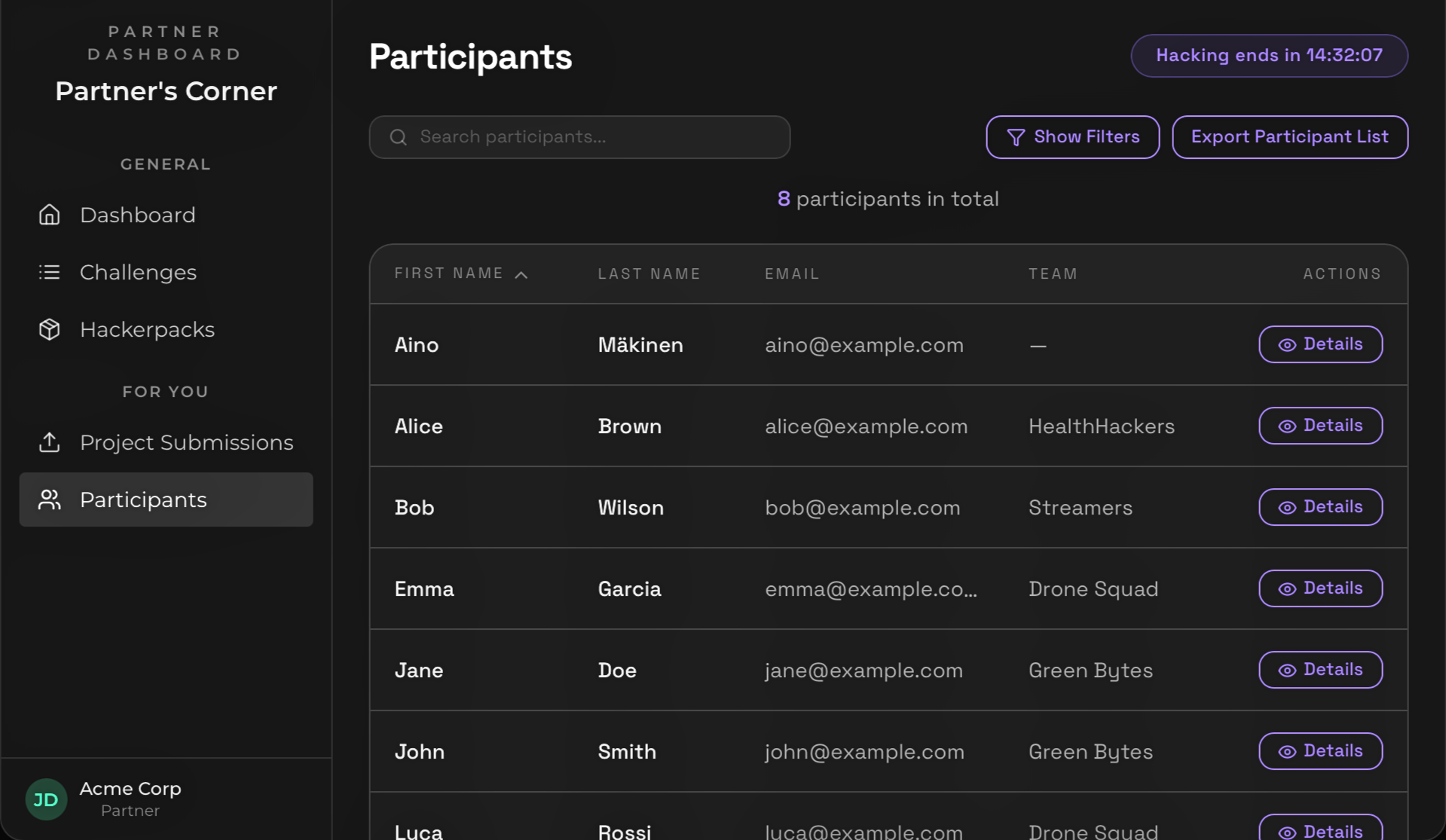
Each participant's profile shows their role, skills, and availability. Everything you need to make informed decisions about who to accept.
4. Host the event
During the event, participants choose between challenges and tracks and submit their work through the platform. Everything is in one place for them too — their dashboard shows the schedule, announcements, and submission status at a glance.
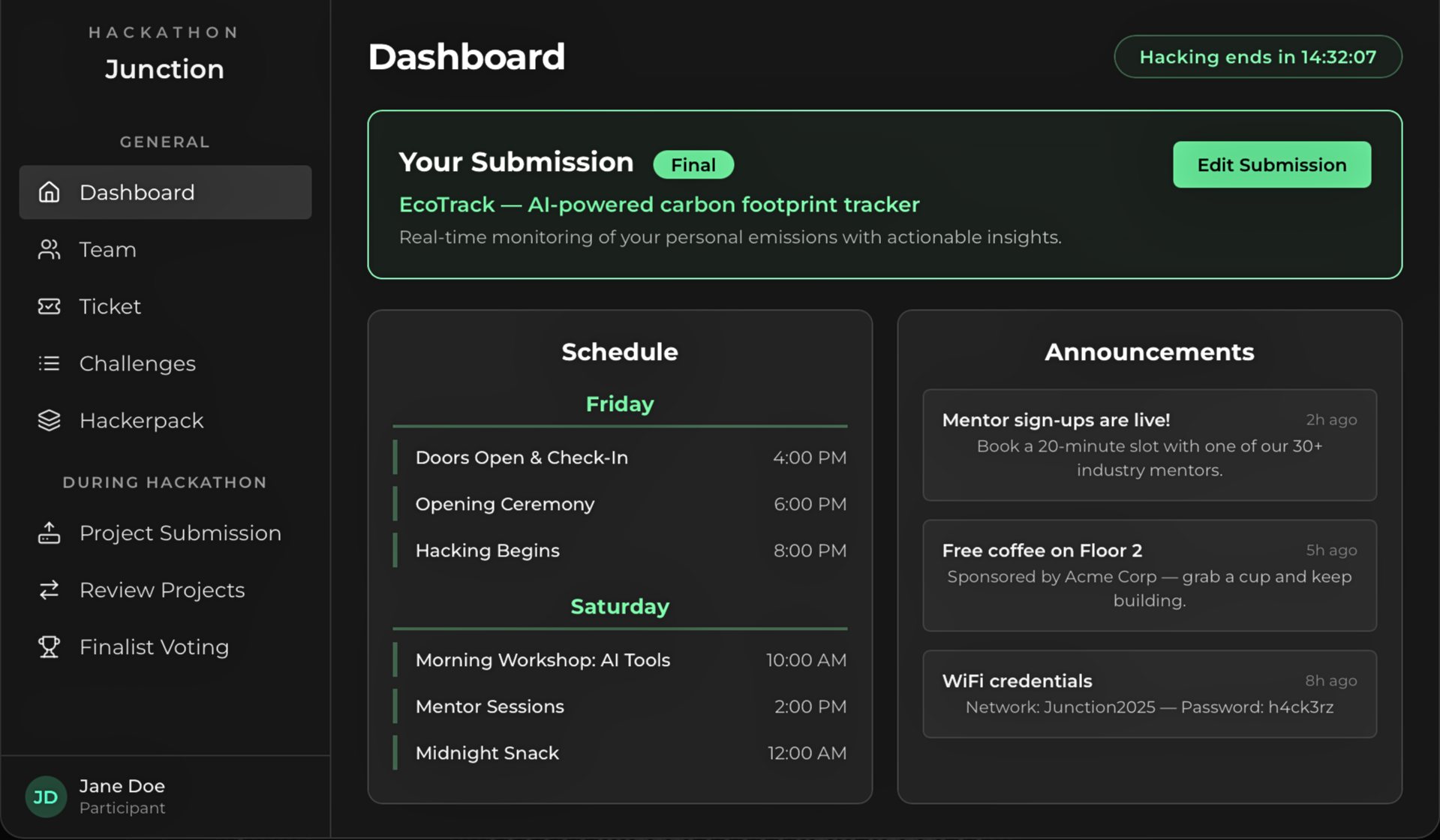
Submitting a project is straightforward: name, punchline, description, and challenge selection + links to demos, video, and source code.
5. Judge and wrap up
When submissions are in, you score and judge projects directly in the platform. Your partner dashboard gives you a live view of how many submissions are in, how many have been reviewed, and the current ratings.
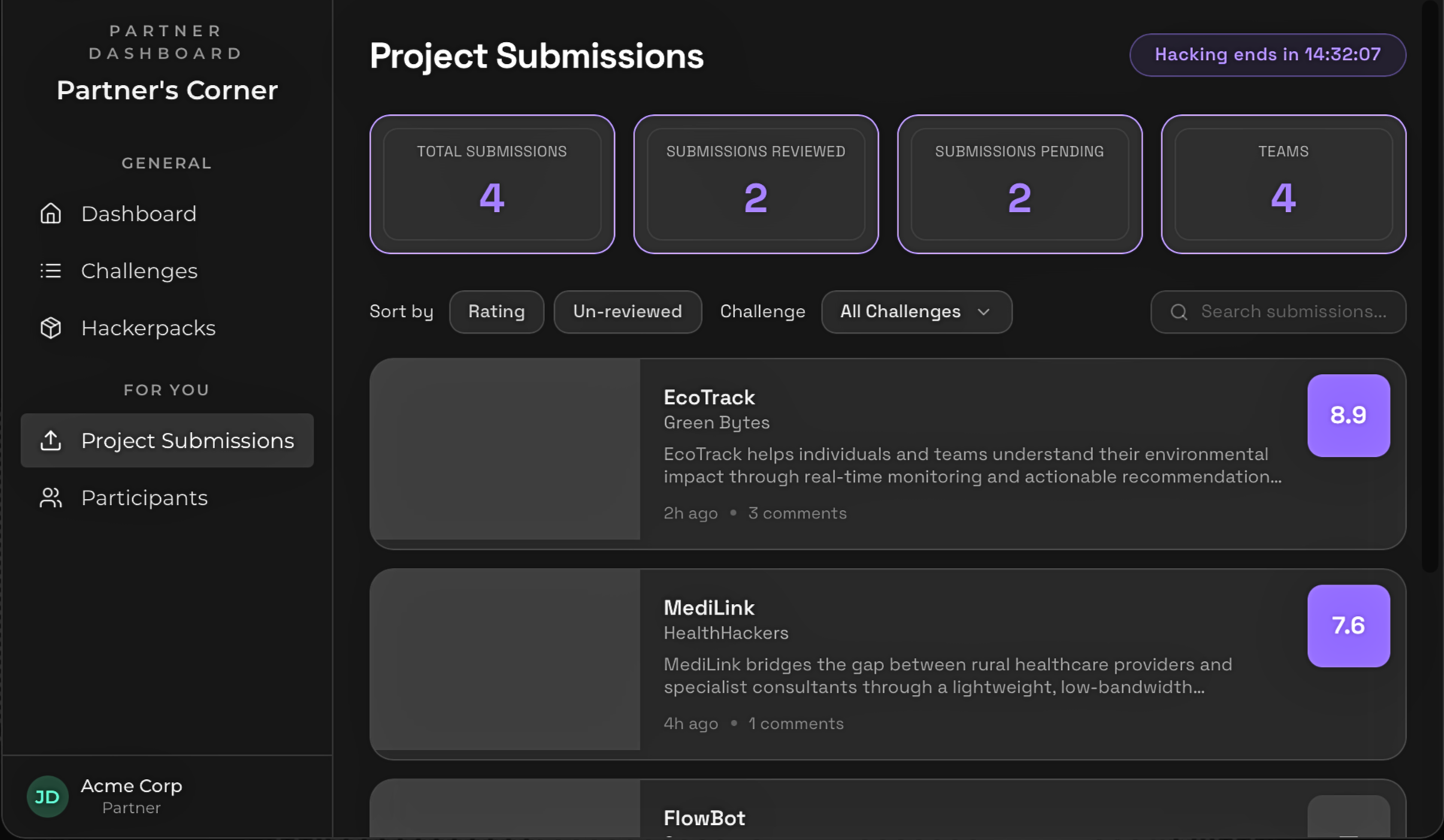
You can browse all submissions, sort by rating or review status, and open each project to read the full description and team details.
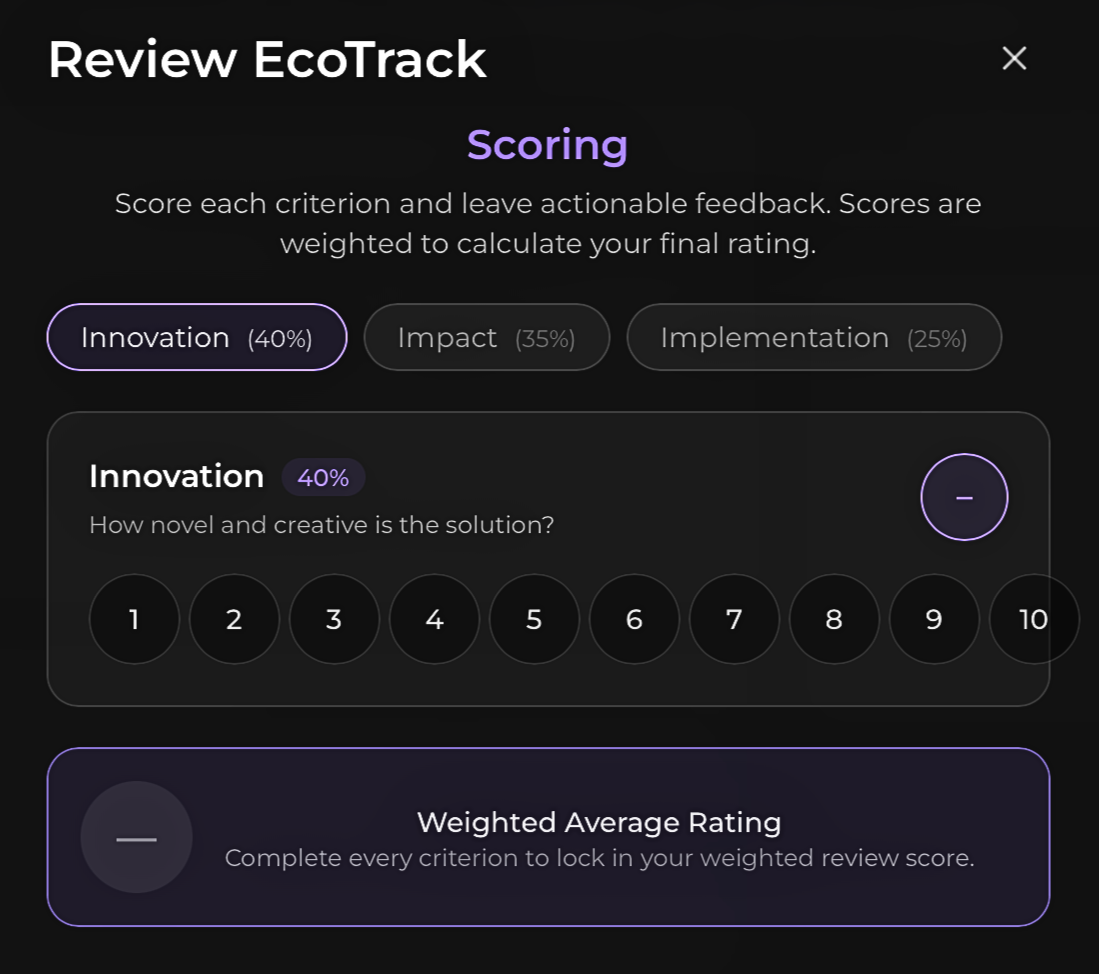
The scoring interface walks reviewers through each weighted criterion: innovation, impact, implementation. This enables that scores are consistent across reviewers.
Once judging is done, finalists are listed and the winners are selected through your preferred method: either by participants voting on the winner, or judges selecting the best ones.
You walk away knowing which solutions are worth taking further, and who built them.
That's it. The logistics are handled. What you get out the other side is real solutions to real problems, and a clear view of the people behind them.